ProForm 831.291761 Uživatelský manuál
Procházejte online nebo si stáhněte Uživatelský manuál pro Běžecké pásy ProForm 831.291761. ProForm 831.291761 User`s manual Uživatelská příručka
- Strana / 31
- Tabulka s obsahem
- ŘEŠENÍ PROBLÉMŮ
- KNIHY

- USER'S MANUAL 1
- TABLE OF CONTENTS 2
- IMPORTANT PRECAUTIONS 3
- SAVE THESE INSTRUCTIONS 4
- BEFORE YOU BEGIN 5
- ASSEMBLY 6
- OPERATION AND ADJUSTMENT 8
- DANGER: Improper connection 8
- CAUTION:Before operating the 9
- LINE OUT 15
- AUDIO OUT 17
- TROUBLESHOOTING 23
- CONDITIONING GUIDELINES 25
- FULL 90 DAY WARRANTY 28
- FROM THE MANUAL 29
Shrnutí obsahu
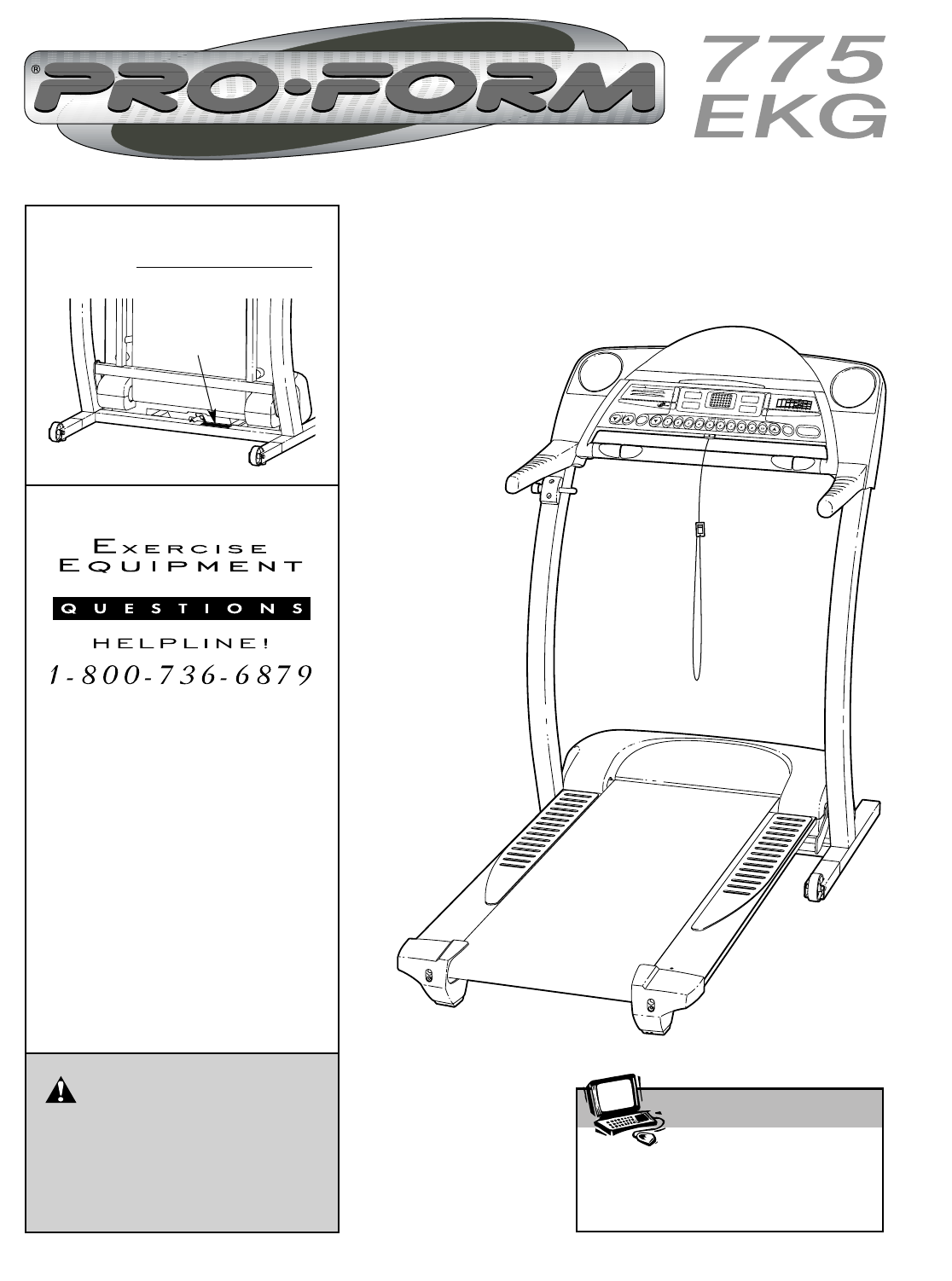
USER'S MANUALVisit our website atwww.proform.comnew products, prizes,fitness tips, and much more!Patent PendingSerialNumberDecalModel No. 831.291
10HOW TO TURN ON THE POWERPlug in the power cord (see page 8). Locate the on/offswitch near the powercord. Move the on/offswitch to the on posi-tion.
11Time/Incline/SegmentTime display—Whenthe manual mode or theiFIT.com mode is se-lected, this display willshow the elapsed timeand the incline level o
12HOW TO USE PERSONAL TRAINER PROGRAMSInsert the key fully into the console.See HOW TO TURN ON THE POWER on page10. Select one of the personal trainer
13To stop the program temporarily, press the Stopbutton. The Time/Incline/Segment Time displaywill begin to flash. To restart the program, pressthe St
14During heart rate pro-grams, the programdisplay will show agraphic that representsyour heart rate. Eachtime a heartbeat is de-tected, an additionalp
15HOW TO CONNECT THE TREADMILL TO YOURCD PLAYER, VCR, OR COMPUTER To use iFIT.com CDs, the treadmill must be connectedto your portable CD player, port
16HOW TO CONNECT YOUR HOME STEREONote: If your stereo has an unused LINE OUT jack,see instruction A below. If the LINE OUT jack isbeing used, see inst
17HOW TO CONNECT YOUR VCRNote: If your VCR has an unused AUDIO OUT jack,see instruction A below. If the AUDIO OUT jack isbeing used, see instruction B
18If the speed or incline settings are too high or toolow, you can manually override the settings at anytime by pressing the Speed or Incline buttons
19HOW TO USE PROGRAMS DIRECTLY FROM OUR WEB SITEOur Web site at www.iFIT.com allows you to accessbasic programs, audio programs, and video p
TABLE OF CONTENTSIMPORTANT PRECAUTIONS . . . . . . . . . . . . . . . . . . . . . . . . . . . . . . . . . . . . . . . . . . . . . . . . . . . . . . . .
20THE INFORMATION MODE/DEMO MODEThe console features an information mode that keepstrack of the total number of hours that the treadmill hasbeen opera
21HOW TO FOLD AND MOVE THE TREADMILLHOW TO FOLD THE TREADMILL FOR STORAGEBefore folding the treadmill, adjust the incline to the lowest position. If t
HOW TO LOWER THE TREADMILL FOR USE1. Hold the upper end of the treadmill with your right handas shown. Using your left hand, pull the latch knob to th
23TROUBLESHOOTINGMost treadmill problems can be solved by following the simple steps below. Find the symptom that applies, and follow the steps listed
24Locate the Reed Switch (18) and the Magnet (48) onthe left side of the Pulley (78). Turn the Pulley until theMagnet is aligned with the Reed Switch.
25CONDITIONING GUIDELINESThe following guidelines will help you to plan your ex-ercise program. For more detailed exercise informa-tion, obtain a repu
26SUGGESTED STRETCHESThe correct form for several basic stretches is shown at the right. Move slowly as you stretch—never bounce.1. Toe Touch StretchS
27NOTES
Part No. 185777 R0702A Printed in USA © 2002 Sears, Roebuck and Co.The model number and serial number of your PROFORM®775EKG treadmill are listed on a
34REMOVE THIS EXPLODED DRAWING AND PART LISTFROM THE MANUALSave this EXPLODED DRAWING and PART LIST for future reference.Note: Specifications are subj
31. It is the responsibility of the owner to ensurethat all users of this treadmill are adequatelyinformed of all warnings and precautions.2. Use the
PART LIST—Model No. 831.291761 R0702A1 1 Motor Hood2 1 IFIT.com CD3 8 Pivot Nut4 1 Motor Belt5* 1 Motor Assembly6 1 Flywheel7 1 Motor8 2 Frame Spacer9
913724182221204387999974596333594787939192333588804513248483248133727573743372707877757670757569723373333772355635558443567666562356168373535525160593
22. When using iFIT.com CDs and videos, anelectronic “chirping” sound will alert youwhen the speed and/or incline of the treadmillis about to change.
5Thank you for selecting the revolutionary PROFORM®775 EKG treadmill. The 775 EKG treadmill combinesadvanced technology with innovative design to help
ASSEMBLYAssembly requires two people. Set the treadmill in a cleared area and remove all packing materials. Do notdispose of the packing materials unt
5. See the inset drawing. Identify the Left Top Handgrip(31); there are identifying marks inside the Handgrips. Setthe Left Top Handgrip on the left H
8OPERATION AND ADJUSTMENTTHE PERFORMANT LUBETMWALKING BELTYour treadmill features a walking belt coated withPERFORMANT LUBETM, a high-performance lubr
9FEATURES OF THE CONSOLE The advanced console offers an impressive array of features to help you get the most from your exercise.When the manual mode
Další dokumenty pro Běžecké pásy ProForm 831.291761

Související produkty a manuály pro Běžecké pásy ProForm 831.291761
 (18 stránky)
(25 stránky)
(30 stránky)
(149 stránky)
(30 stránky)
(18 stránky)
(25 stránky)
(30 stránky)
(149 stránky)
(30 stránky)
 (35 stránky)
(26 stránky)
(22 stránky)
(32 stránky)
(30 stránky)
(34 stránky)
(26 stránky)
(20 stránky)
(35 stránky)
(26 stránky)
(22 stránky)
(32 stránky)
(30 stránky)
(34 stránky)
(26 stránky)
(20 stránky)
© 2020, manymanuals.cz. Všechna práva vyhrazena. | 0.044 s |
 Manymanuals.com
 Manymanuals.de
 Manymanuals.fr
 Manymanuals.it
 Manymanuals.pl
 Manymanuals.cz
 Manymanuals.es
 Manymanuals-pt.com
Komentáře k této Příručce